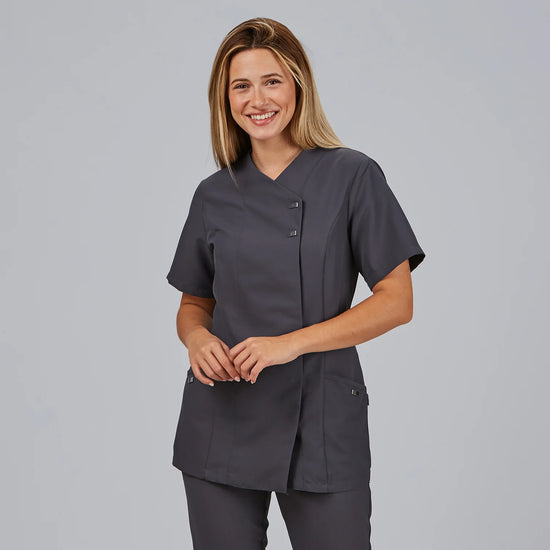
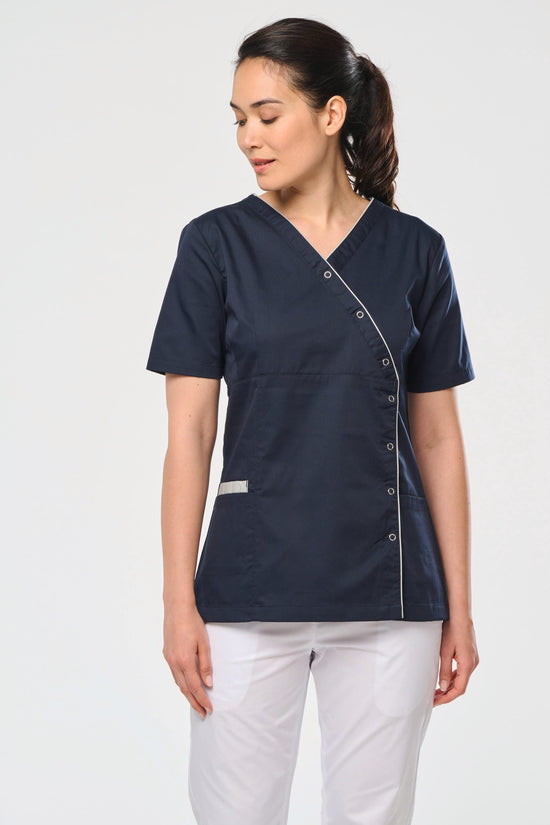
The Kitchen Net Cap - Health is a protective cap with a superior net designed to safely and effectively contain hair in the restaurant, hospitality, pastry, and healthcare sectors. The primary function of this professional garment is to prevent accidental contamination of food, surfaces, or work materials, ensuring compliance with strict hygiene standards. Its technical design directly addresses the daily needs of those working in sensitive handling environments.
The structure combines a solid peripheral band with a fully ventilated open top, allowing continuous airflow and dissipation of heat accumulated on the head. This constant thermal control reduces perspiration in high-temperature areas, such as plating lines, industrial kitchens, or continuous production areas. The anatomical cut adapts to different hair volumes and head shapes, integrating seamlessly with tunics, lab coats, and service aprons without visual or physical friction.
Features
Type: hygienic protective cap with a ventilated net top section
Size: one size fits all, adaptable to different physiognomies
Breathability: perforated mesh top for rapid heat dissipation
Structure: firm base in durable fabric for secure garment support
Function: rigorous hair containment to prevent cross-contamination
Compatibility: versatile use combined with aprons, lab coats, or uniform tunics
Composition
Structure made of twill fabric and a top net in a 65% polyester and 35% cotton blend, with a durable weight of 200 g/m² to withstand intensive use and frequent washing.
Uses
Suitable for professional kitchens, collective catering, catering services, bakeries, pastry shops, cafeterias, agro-food industry production lines, and clinical services or healthcare units requiring strict hair control.
This cap is an indispensable functional accessory for ensuring workplace hygiene and professional comfort during long shifts.
Choose the payment method that works best for you and complete your purchase easily and securely.
Secure payment options at your service.
01
Credit Card
A convenient way to pay for your order online.
Select “Credit Cards” at checkout and confirm your order.
You will also receive payment instructions by email.
02
Multibanco
Pay at a Multibanco ATM or through your online banking service.
Select “Multibanco Reference” and confirm your order. The entity number, payment reference and amount will be displayed on the next page and sent to you by email.
How to pay at a Multibanco ATM
Choose the “Payments”option.
Select “Payment of Services/Purchases”.
Enter the entity number, payment reference and specified amount.
Check the details and complete the payment.
Keep your payment receipt.
Available in Portugal. Please pay the exact amount shown in the payment details.
03
MB WAY
Pay easily using your mobile phone.
Select “MB WAY” at checkout and follow the instructions to enter the mobile number linked to the service.
Open the MB WAY app and authorise the payment within the time limit shown.
MB WAY must be active on the mobile number provided.
04
Payshop
Prefer to pay in person? Use a Payshop payment reference.
Select “PAYSHOP” and confirm your order. The payment reference will be displayed on the next page and sent to you by email.
Use this reference at a Payshop agent, CTT store or post office.
05
Bank Transfer
Pay by transferring the amount to our bank account.
Choose “Bank Transfer” at checkout. The bank details will be provided once your order has been confirmed.
After making the transfer, email your payment receipt to info@ragtailors.com, including your order number.
Payment confirmation is subject to receipt and verification of the bank transfer.
06
PayPal
Pay conveniently using your PayPal account.
Use the express checkoutbutton, when available, or select “PayPal” from the payment methods at checkout.
Follow the instructions provided by PayPal to confirm and complete your payment.
07
Google Pay
Complete your purchase using the payment details saved in your Google Pay wallet.
When available, select the “Google Pay” button at checkout and follow the instructions on your device to confirm your payment.
Availability depends on your device, browser and wallet settings.
08
Apple Pay
Pay using the cards linked to your Apple Pay wallet.
When available, select “Apple Pay” at checkout and authorise the payment on your Apple device.
Requires a compatible device and a card set up in Apple Pay.
09
Shop Pay
Fewer steps to complete your purchase.
Select “Shop Pay” to use the shipping and payment details saved in your account and complete your order faster.
Follow the instructions to confirm your details and authorise the payment.
10
Klarna
More flexibility when paying for your order.
Pay in 3 interest-free instalments, when this option is available for your purchase.
Select “Klarna” at checkout to view the payment plan and applicable terms.
Subject to eligibility, approval and Klarna's terms and conditions displayed at checkout.
Need help with your payment?
Email us at info@ragtailors.com and include your order number so we can assist you more efficiently.
The payment methods available for your order are displayed at checkout.


 Kitchen hammock cap - Health
Default Title